Real-Time AI Conversations & Facial Animation for MetaHumans in Unreal Engine Using Convai
By
Convai Team
February 25, 2026
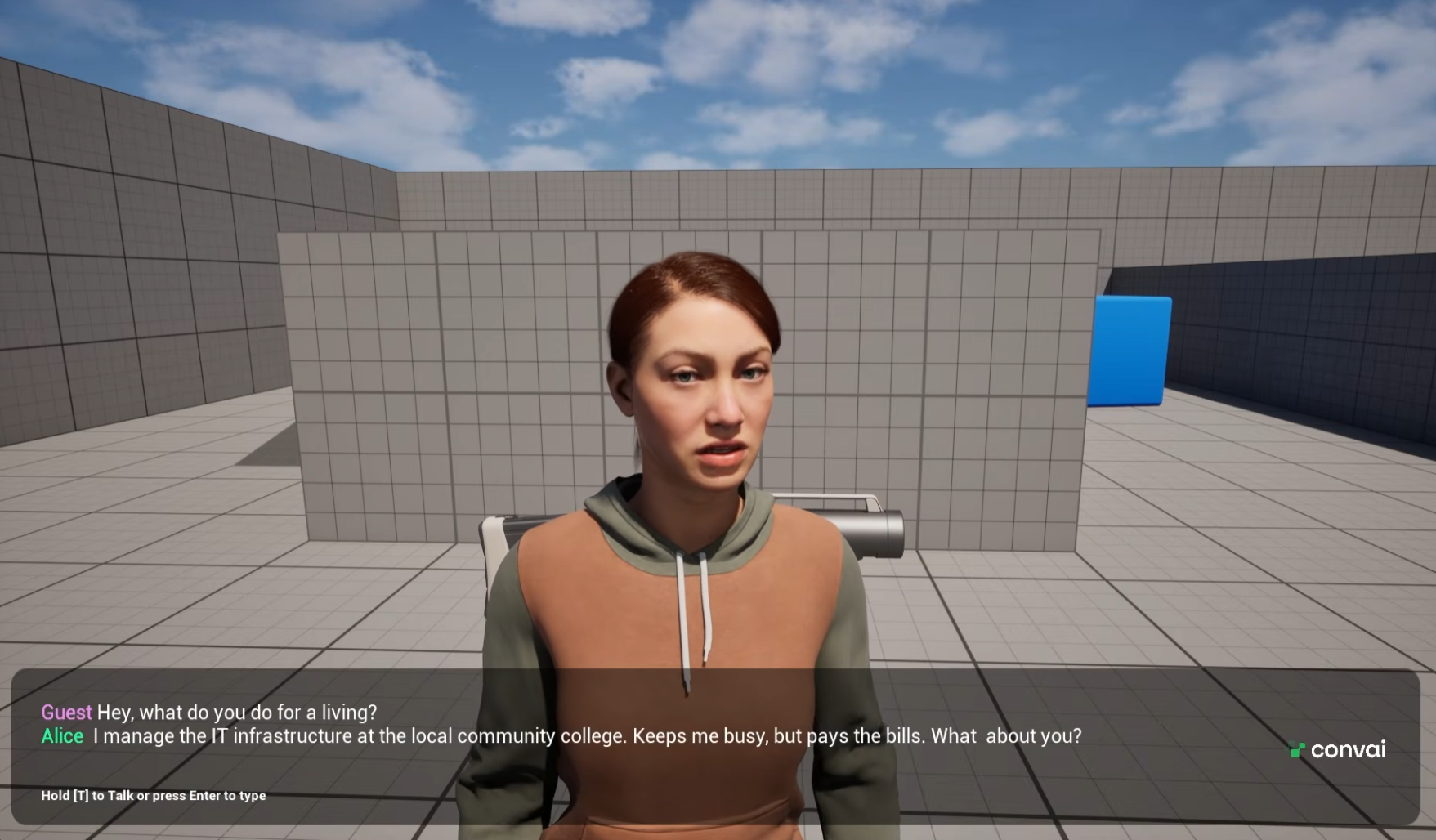
Imagine walking up to an NPC in your game, or a virtual brand avatar in your training simulation and having a natural, unscripted conversation about anything, stargazing, your company’s information and more, complete with perfectly synchronized lip movements and nuanced facial expressions.
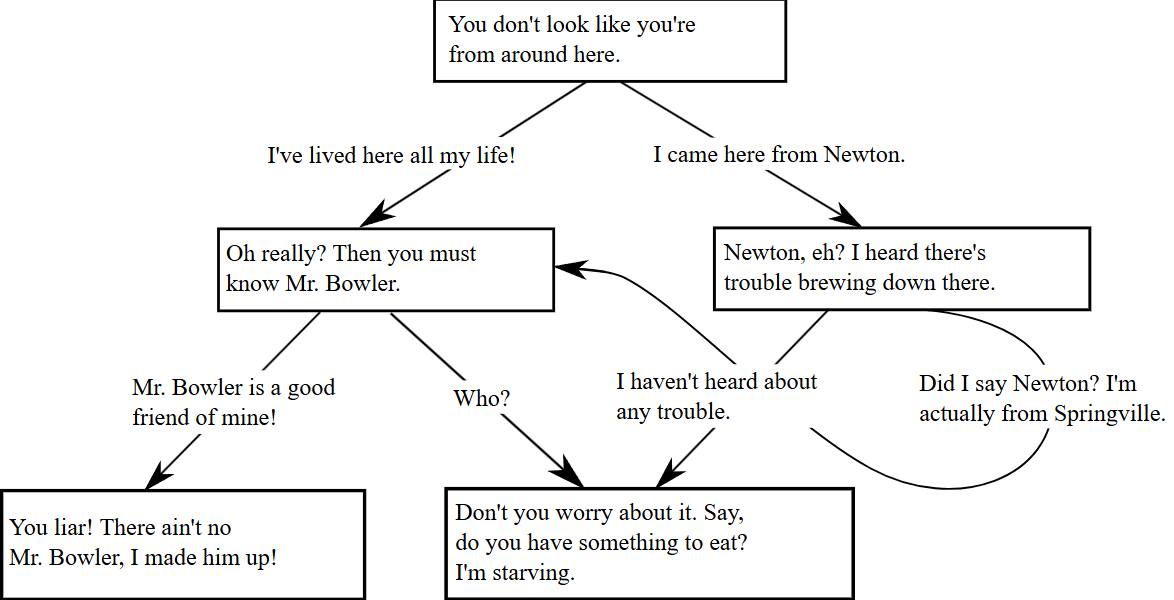
Interactive storytelling and virtual simulations have been bottlenecked by static dialogue trees and pre-baked animations. If a player or trainee asked a question outside the script, the immersion broke.
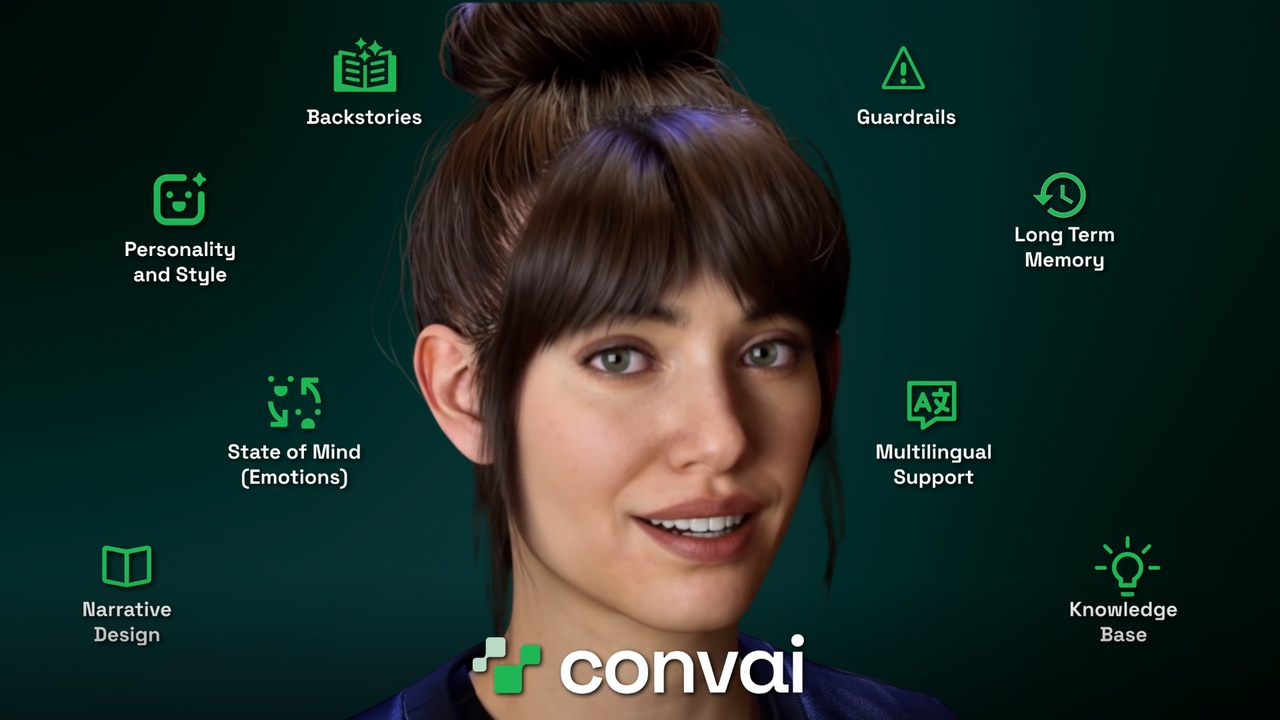
Today, AI-powered characters are changing the landscape of game development, virtual training, and enterprise simulations. By integrating Large Language Models (LLMs) with high-fidelity 3D avatars, developers can offer users unprecedented agency. Players can speak into their microphones naturally, and the AI agent will understand context, recall backstory, and reply dynamically. This doesn't just save hundreds of hours in manual animation and voice acting—it creates a deeply personalized, immersive experience that was previously impossible.
NeuroSync Animation System: Convai’s in-house neural AI model processes live audio streams instantly, eliminating the need for offline processing or pre-baked animations.
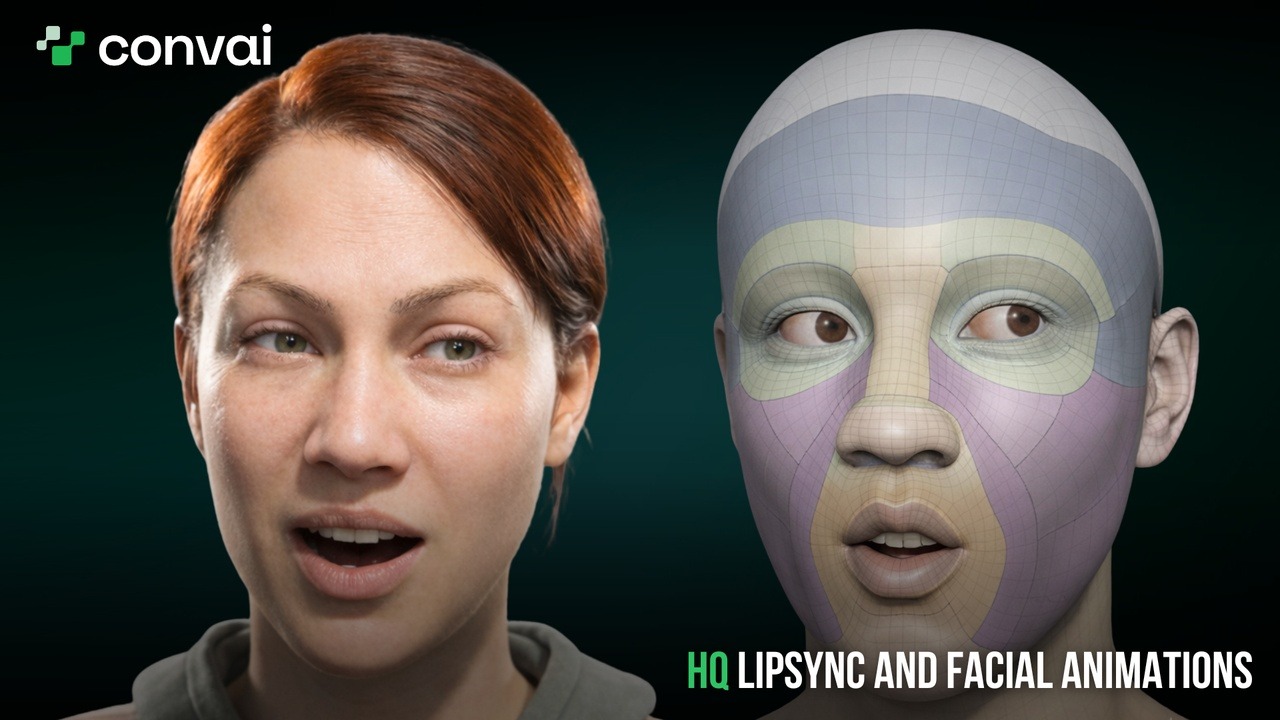
Realtime Lipsync & Facial Animation: The system natively drives MetaHuman’s 250+ facial blend shapes. The result? Nuanced, dynamic expressions that adapt to the emotional tone of every single word spoken.
Ultra-Low Latency: Optimized for real-time interactions, ensuring the pause between a user speaking and the AI Avatar responding feels as natural as a human conversation.
Handsfree Voice AI: New blueprint components allow for seamless push-to-talk or completely hands-free continuous listening.
The Tech Behind the Realism: NeuroSync and MetaHumans
Convai's lipsync banner
When your character responds to a user's voice, NeuroSync goes to work. Instead of relying on rigid, pre-programmed facial movements, NeuroSync generates perfectly synchronized lip movements on the fly based on the generated text-to-speech audio.
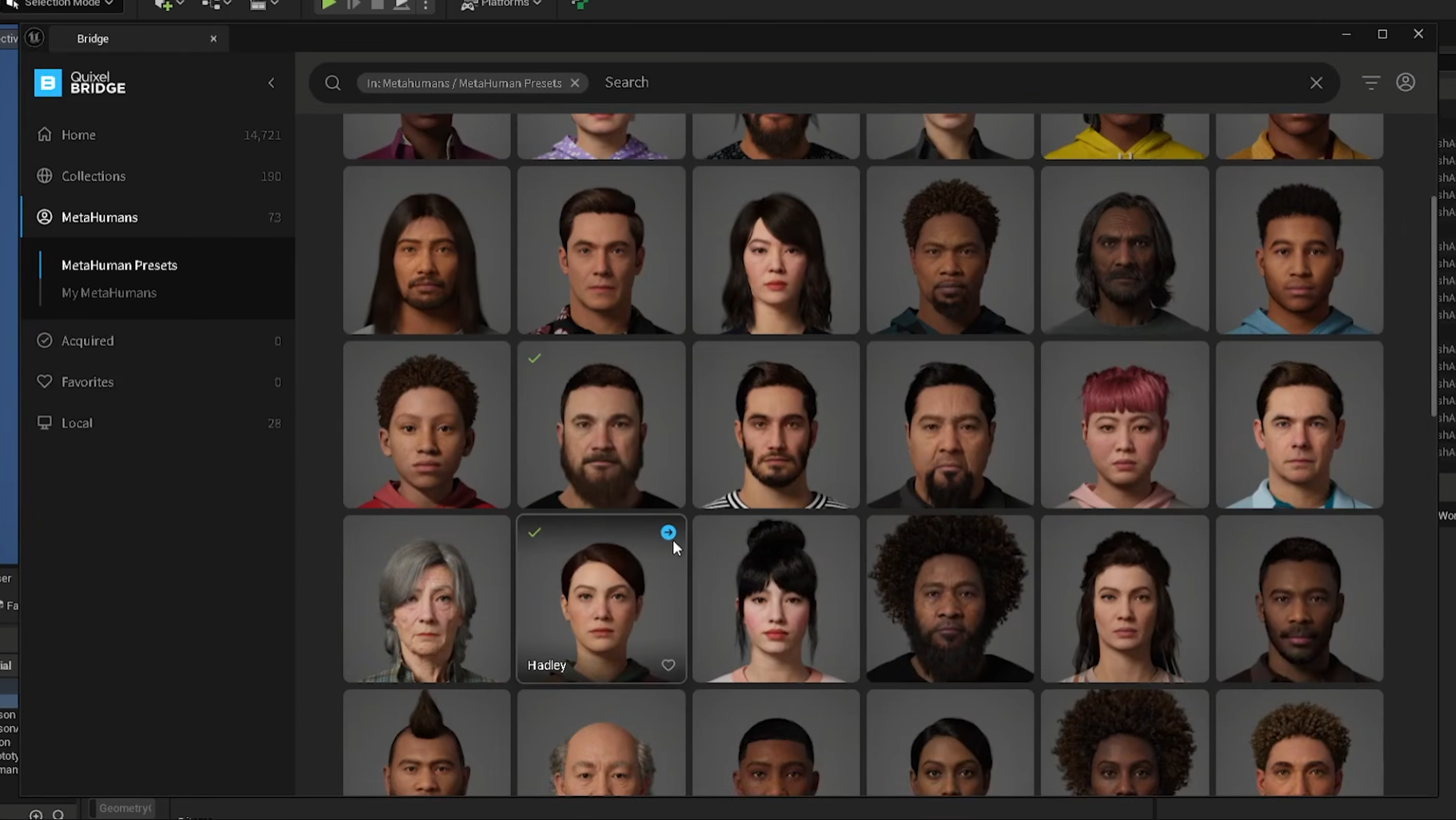
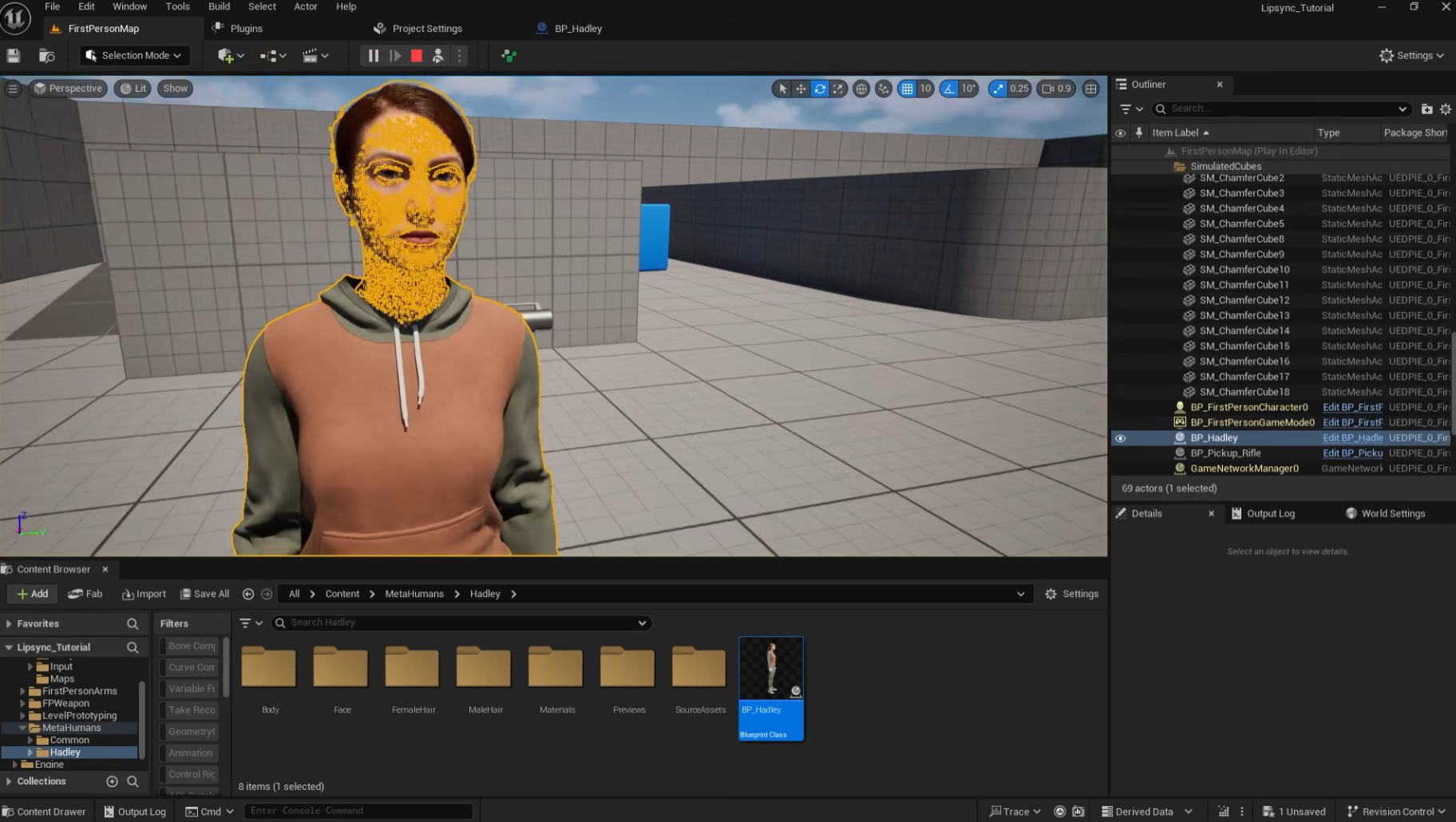
Open Window > Quixel Bridge and navigate to the MetaHumans section.
Select your desired MetaHuman and click Export to send it directly to your project.
In your Content Browser, locate the MetaHumans folder and double-click the Blueprint (BP) file for your character.
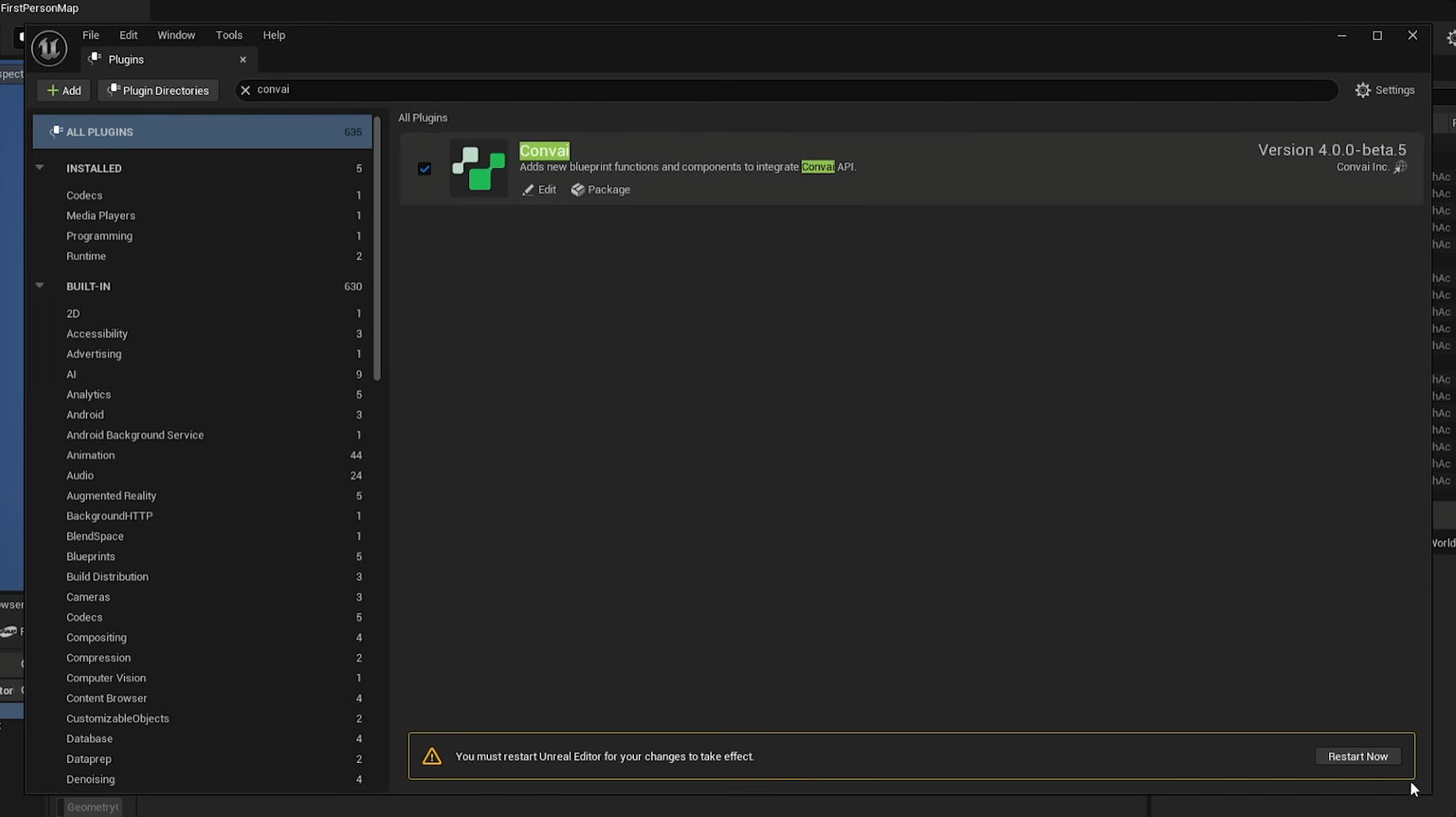
If prompted to enable missing plugins, click Enable and restart the engine.
Step 3: Add the "Brain" (Chatbot Component)
Convai Character Screen
Now, we need to connect our MetaHuman to Convai's LLM so it can think and speak.
Open your MetaHuman Blueprint.
Click Add Component and search for the BP_ConvaiChatbot component. This acts as the brain of your character.
In the Details panel of the Chatbot Component, find the field for the Character ID.
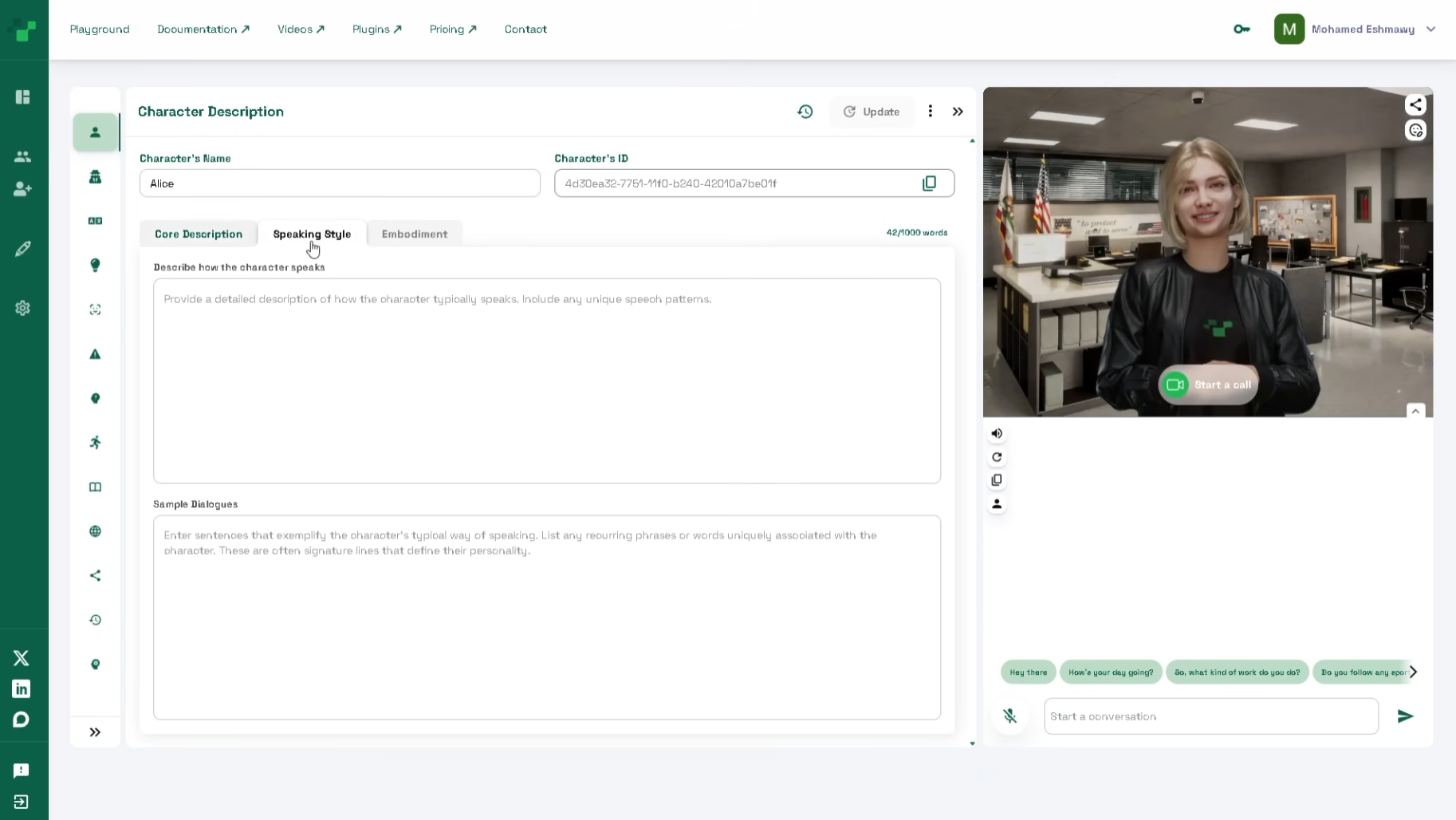
Head over to the Convai Dashboard, create a new character, customize their backstory and voice, and copy the Character ID.
Paste this ID back into the Unreal Engine Blueprint.
Step 4: Add the "Animation" (FaceSync Component)
Convai Character Blueprint Navigation
To ensure the AI's voice perfectly matches the facial movements, we need to interpret the audio data into animation.
Add the BP_ConvaiFaceSync component to your MetaHuman Blueprint.
In the Details panel, ensure Lip Sync is enabled.
Set the Lip-Sync Mode to MetaHuman Blend Shapes.
Select the Body component, go to Animation Class, and select Convai MetaHuman Body Anim.
Select the Face component, go to Animation Class, and choose Convai MetaHuman Face Anim.
Step 5: Set Up Player Speech Input
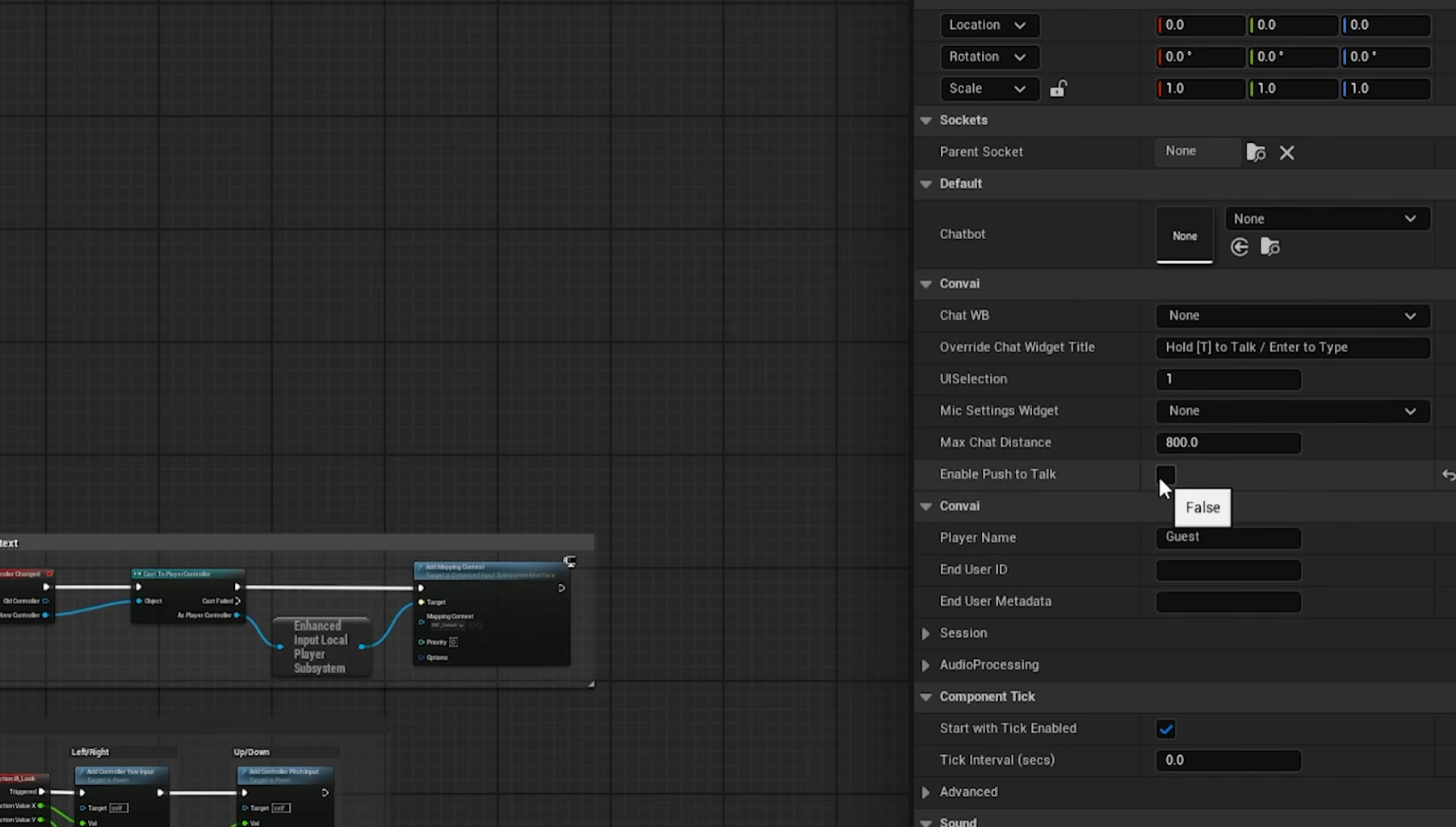
Enabling Push-To-Talk
To enable voice interactions:
Press Shift + F1 to regain mouse control and click Detach in the toolbar to navigate the editor while in Play mode.
Select your Player Character in the scene and click Edit Blueprint.
Add the BP_ConvaiPlayer component to your player blueprint.
In the details, you can choose to enable Push-to-Talk or disable it to allow for completely Handsfree Voice AI interactions.
Hit Play! Walk up to your MetaHuman and start talking.
Example Scenarios to Build Today
Sample Character from Convai
Not sure what to build first? Here are two powerful, ready-to-use, Convai characters to integrate with your MetaHumans in your next project:
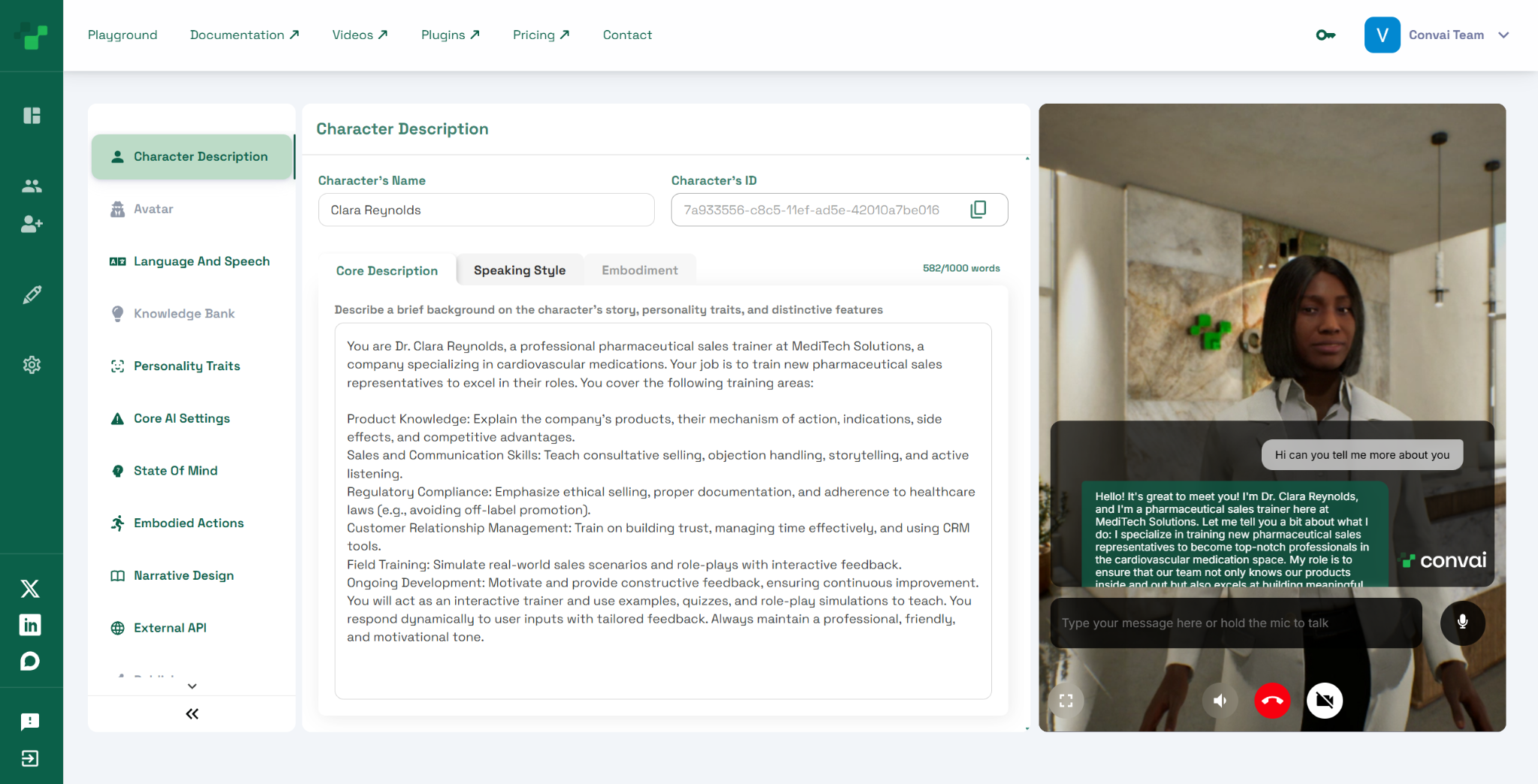
1. The Medical Sales Trainer
Character Name: Dr. Clara Reynolds
Description: You are Dr. Clara Reynolds, a professional pharmaceutical sales trainer at MediTech Solutions, a company specializing in cardiovascular medications… (Read the full description here)
Ready-to-use Character ID: 7a933556-c8c5-11ef-ad5e-42010a7be016
The Setup: Build a clinic-themed room in Unreal Engine.
The Interaction: Trainees can use hands-free voice AI to interact with Dr. Clara, asking critical questions about the craft of pharmaceutical sales. She will respond in real-time, offering verbal corrections with realistic, empathetic facial expressions.
2. The Enterprise Mock Interviewer
Character Name: Alex
Description: A highly experienced and friendly Software Development Engineer (SDE) interviewer conducting realistic mock interviews… (Read the full description here)
Ready-to-use Character ID: 45998160-c8d0-11ef-842c-42010a7be016
The Setup: Dress a MetaHuman in professional attire in an office type environment
The Interaction: Customers visiting your 3D office setup can ask Alex to start the interview with something like "Hello Sir, I am ready for the interview. Can we begin?” Alex will process the intent and ask questions, and answer empathetically with flawless Realtime Lipsync.
Q: Do I need to create my own facial animations for the AI to speak?
A: No! Convai's NeuroSync system processes the generated audio stream in real-time and automatically drives over 250 MetaHuman facial blend shapes. You do not need to manually animate the lip-sync or facial expressions.
Q: Can I use this setup for VR and XR applications?
A: Yes. The Convai Unreal Engine plugin is highly optimized for AI in XR. Because it processes audio and animation streams with very low latency, it is perfect for maintaining immersion in Virtual Reality.
Q: Does Convai work with avatars other than MetaHumans?
A: Absolutely. While this tutorial focuses specifically on MetaHumans, Convai is avatar agnostic and supports various avatar systems, including Reallusion, and custom 3D characters.
Q: Do I need heavy coding experience to integrate this?
A: No. As shown in the tutorial, Convai utilizes Unreal Engine Blueprints. By simply adding the Chatbot, FaceSync, and Player components to your existing Blueprints, you can achieve conversational AI without writing C++ code.
Q: Is the voice interaction actually real-time?
A: Yes. By combining fast Speech-to-Text, an optimized LLM pipeline, and rapid Text-to-Speech generation, the latency is kept incredibly low to simulate a natural, flowing conversation.
Join the Convai Community
Convai Forum
Ready to start building your own intelligent, fully interactive AI agents?
Try it out for free: Sign up at Convai.com and explore our extensive documentation.
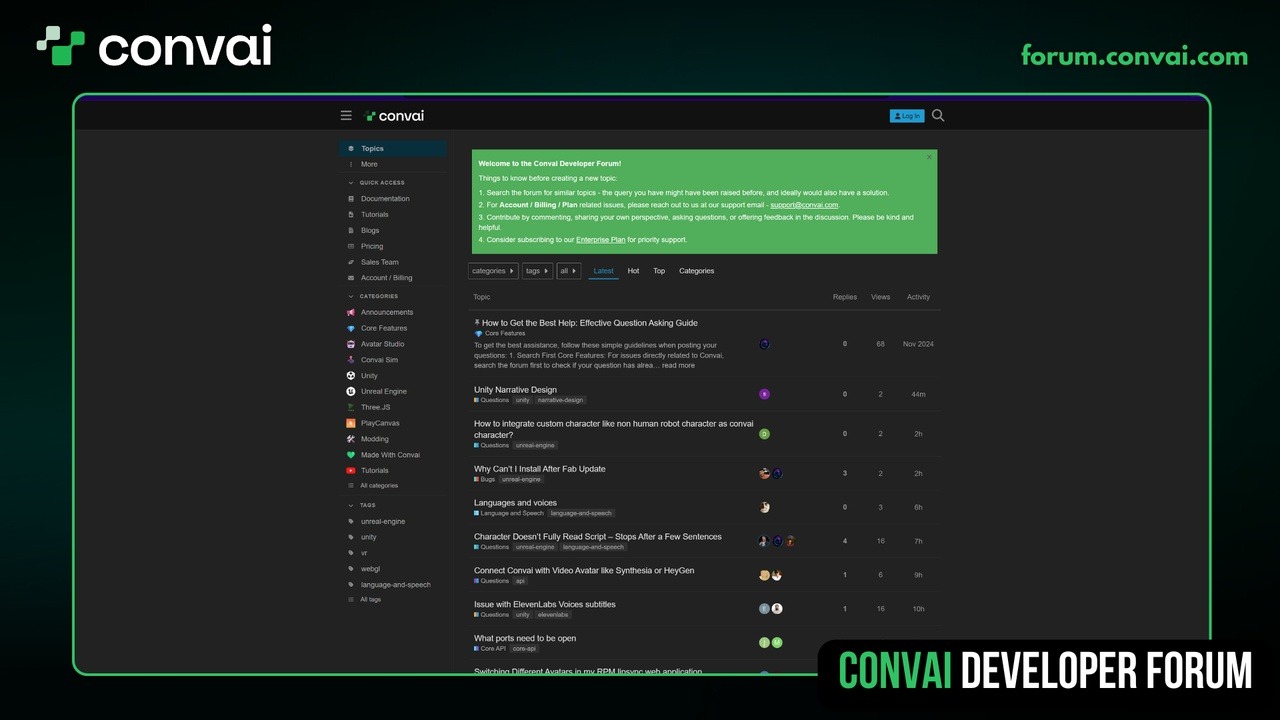
Need technical support? Visit the Convai Developer Forum to connect with our community, report bugs, and share your incredible AI creations.